A tool that helps sound designers keep their work organized, consistent, and easy to share with developers. Right now, teams managing sound in apps have no dedicated tool. They rely on scattered files, messy spreadsheets, and tribal knowledge. Sonic gives them one place to manage every sound, define how it should behave, and hand it off cleanly.
Year
2026
Type
Pre-launch SaaS
Role
Product Strategist
Product Designer
UX Researcher
Problem
There's no tool built for managing sound in digital products. Designers track everything in spreadsheets, share specs over chat, and lose consistency as soon as someone else makes a change.
Hypothesis
If sound designers had a structured system to organize, document, and control their sounds (the way visual designers use design systems), teams could grow without things falling apart.
Solution
One workspace where teams manage their sounds, set behavioral rules that apply everywhere, and hand off clean specs to developers without a single back and forth.
10
User interviews
3
Distinct workflow patterns
0
Dedicated tools on market
100%
Were using spreadsheets
Users
Sound interaction designers
Audio UX Leads
Design system managers
Front end devs
Customers
Mid size consumer apps
Design system teams
Enterprise product orgs
Key Findings
Behavioral rules undocumented: Volume, overlap, and looping etc.. live in engineers' heads
Handoff is broken:Devs get a .wav and figure out the rest
No source of truth: Tokens scattered across drives, DAWs, and Slack threads
MVP Roadmap
Research & discovery
Design & prototype
Validate & iterate
Build & Ship
Grow & expand
Home
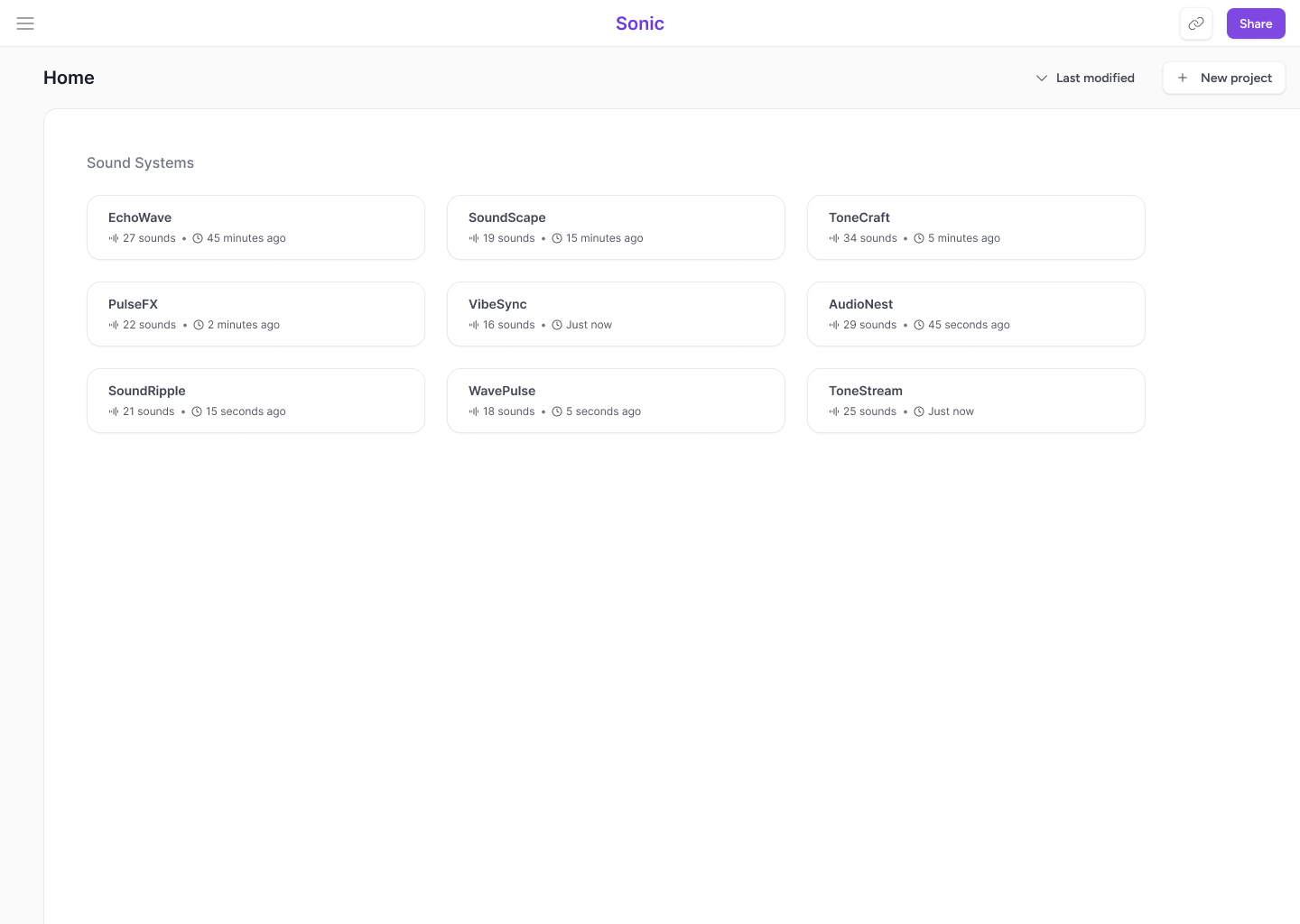
Sonic's home view gives designers a bird's eye view of every sound system they're managing. Each project card surfaces the essentials at a glance: how many sounds live inside and when the system was last touched. Teams can quickly spot which systems are active and which need attention.
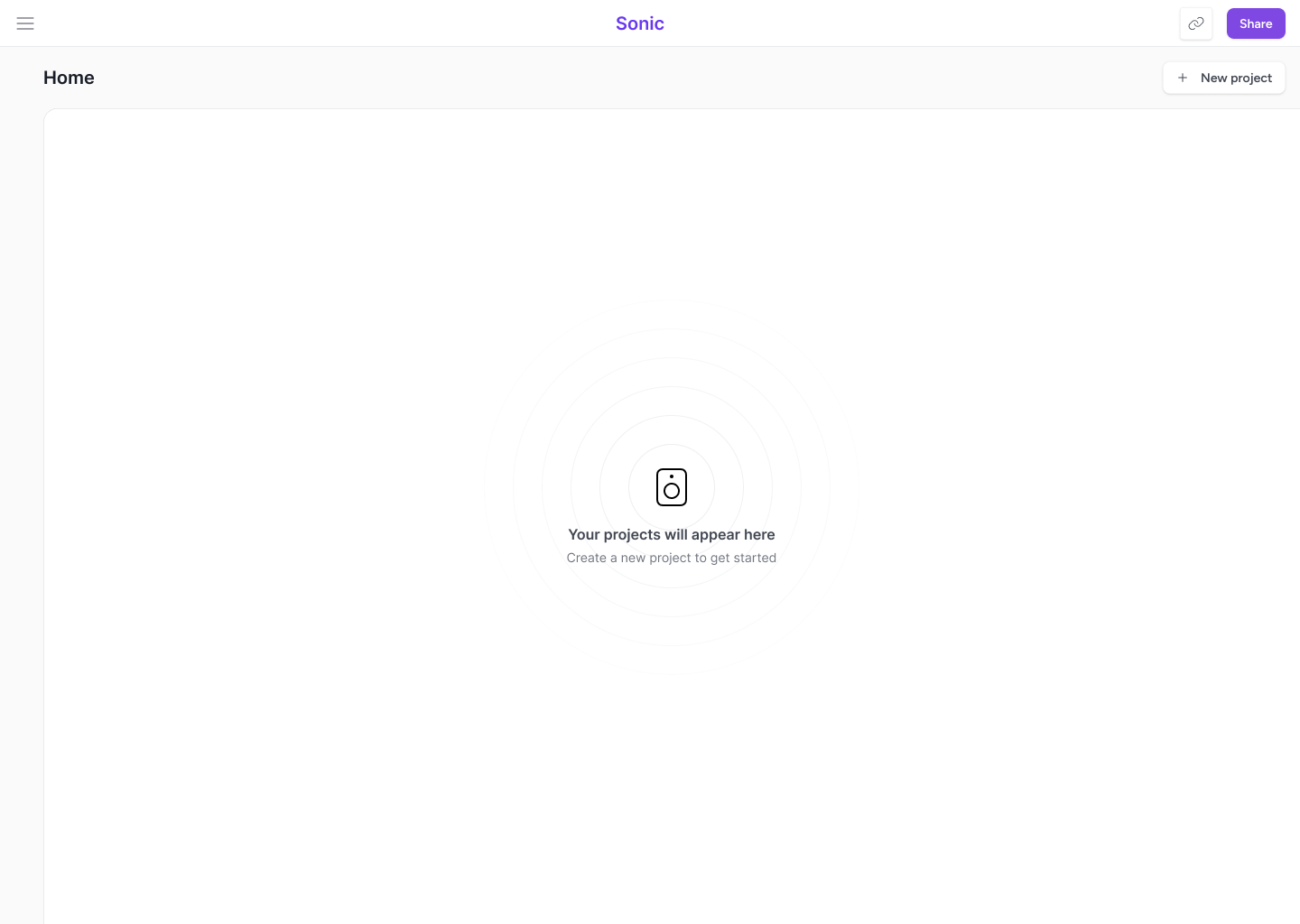
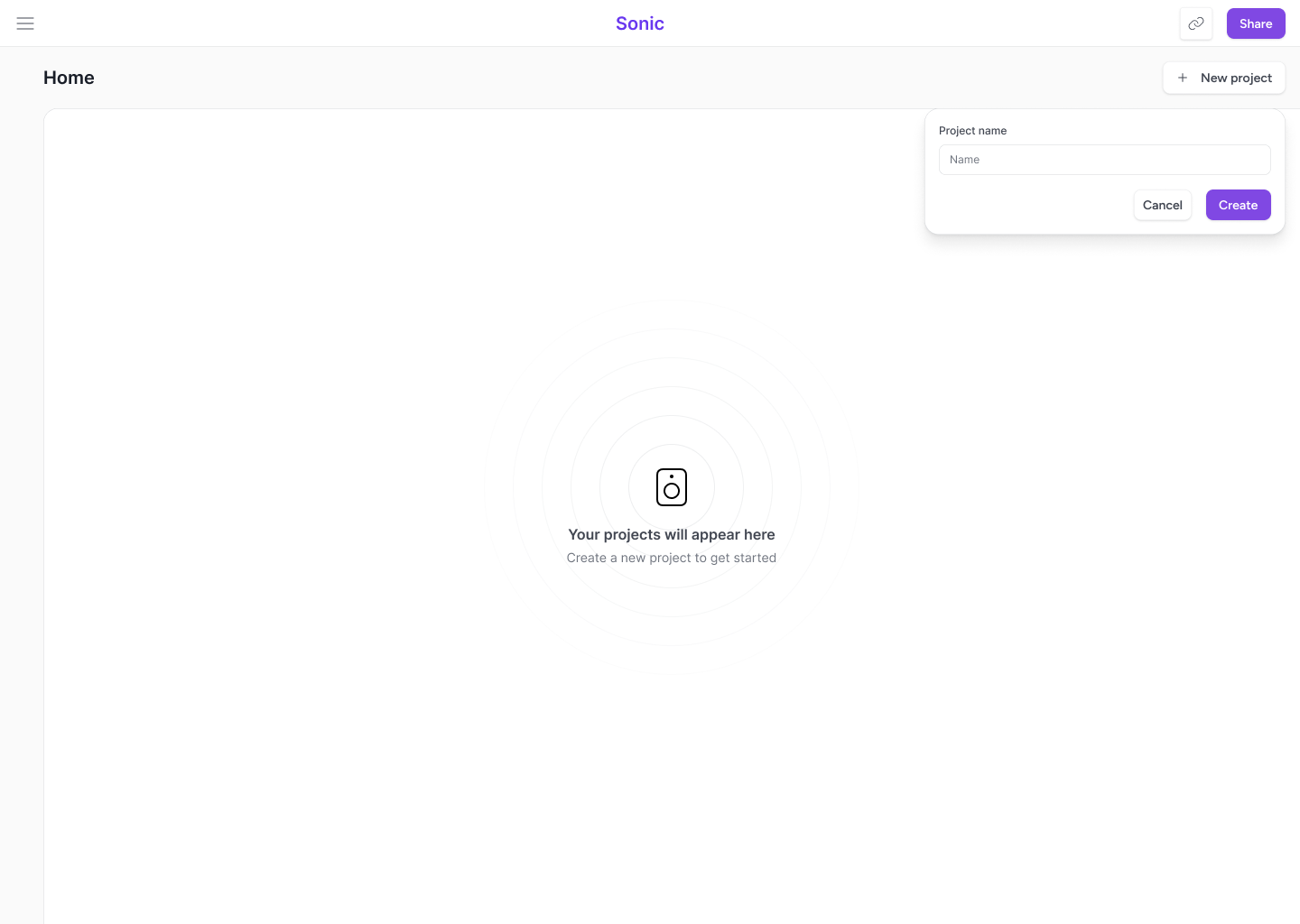
From here, users can spin up a new project or dive into an existing one. It's the launchpad. Lightweight by design, structured enough to scale across multiple brands or product lines without clutter.
Project Workspace
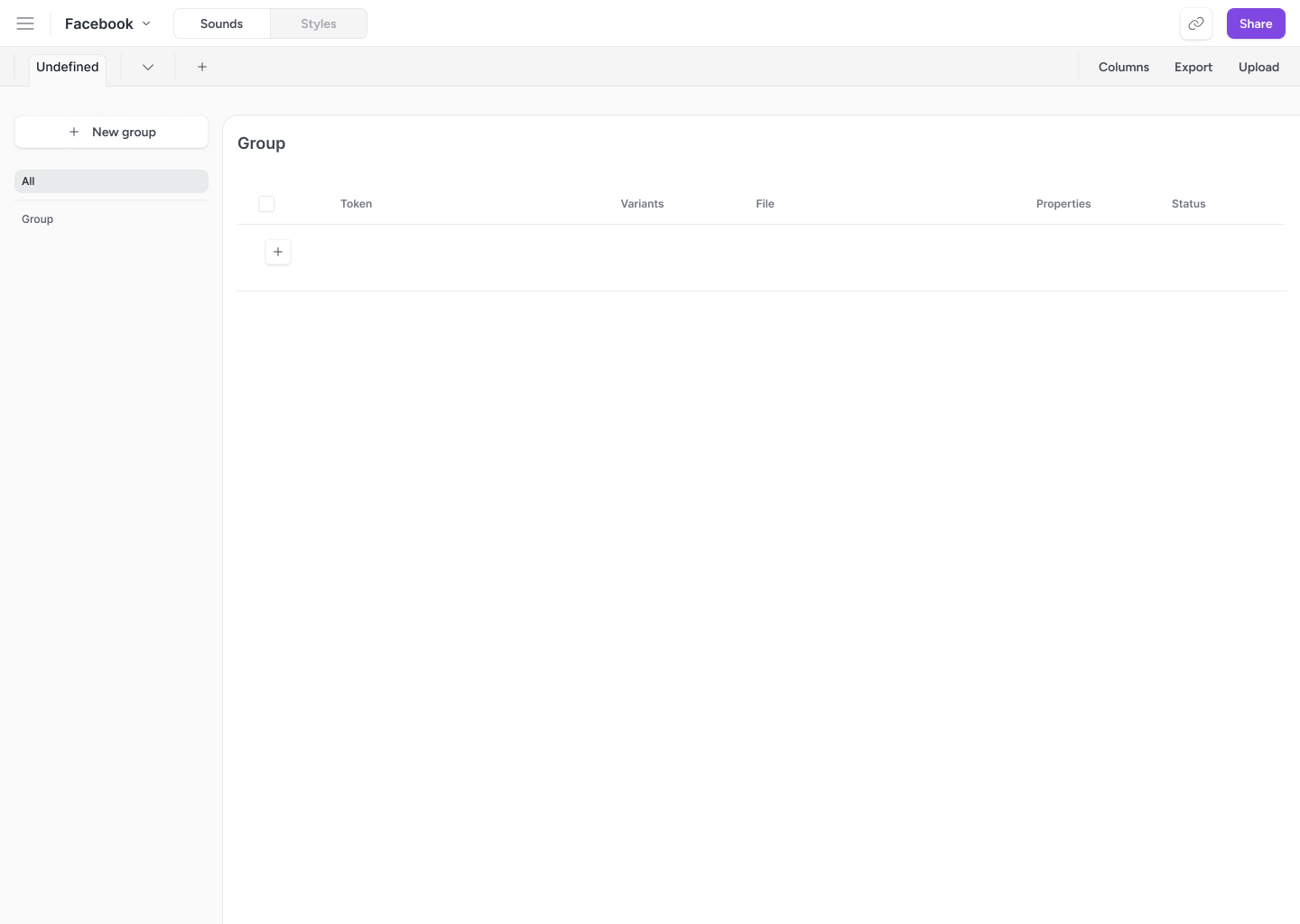
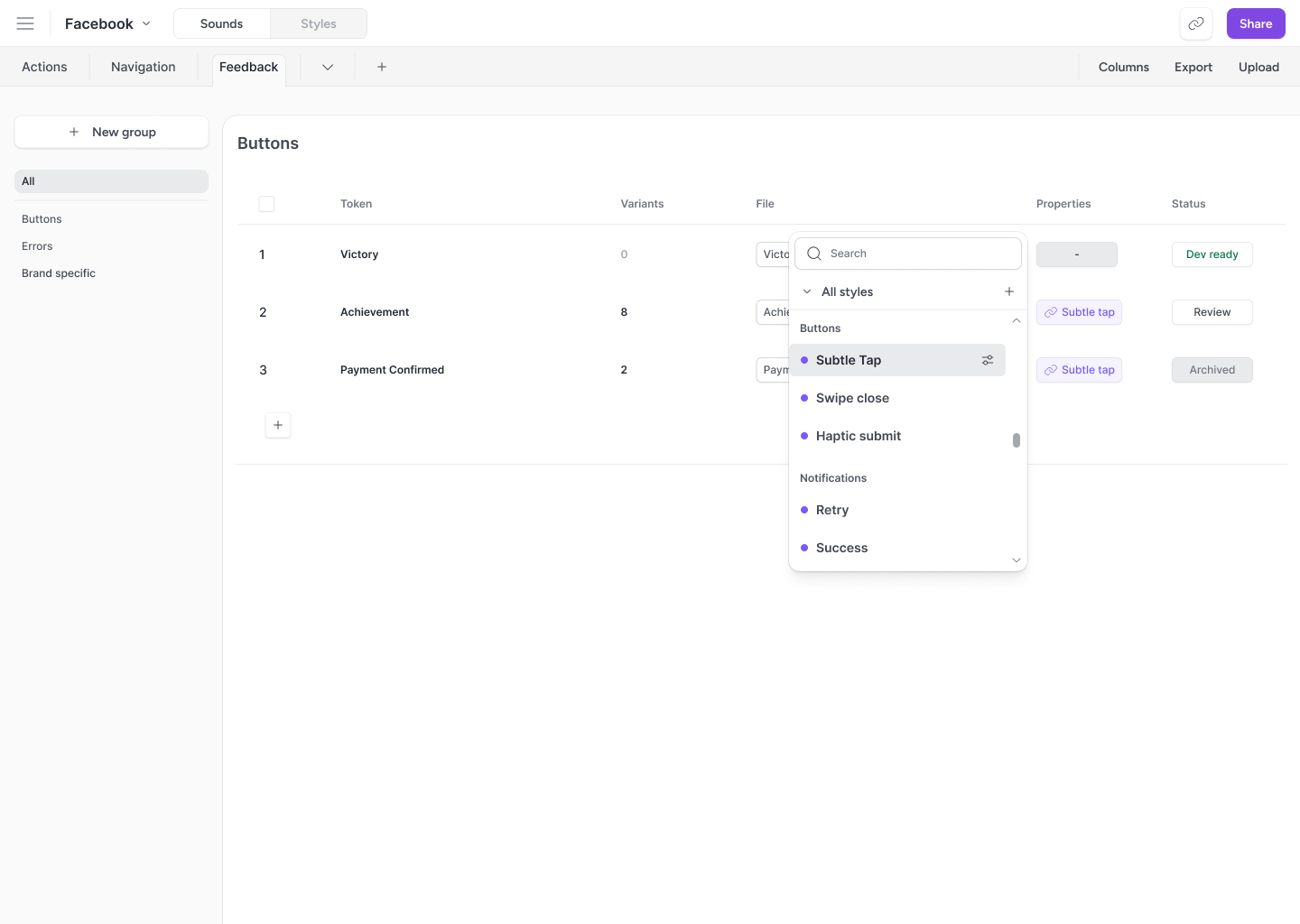
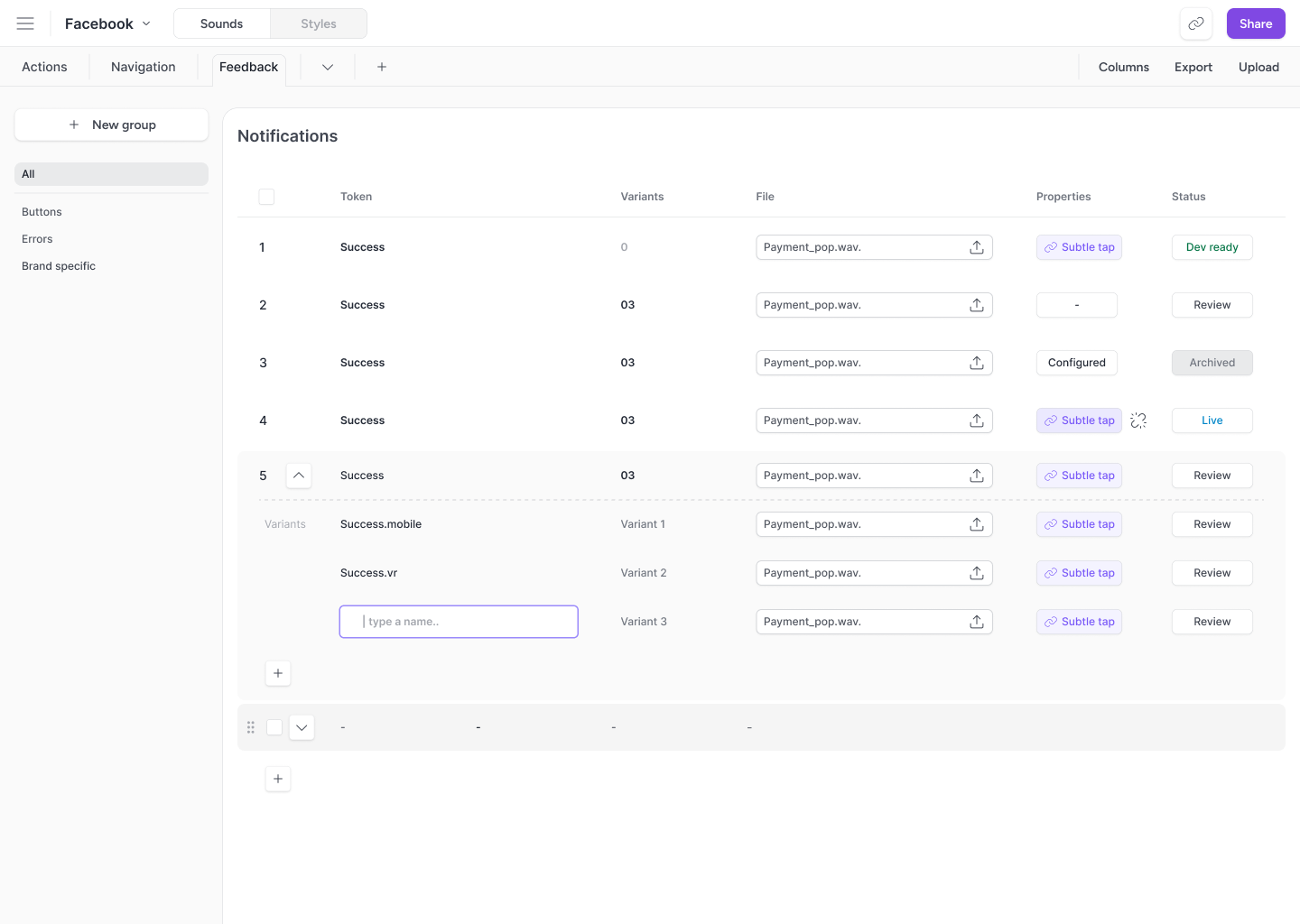
Inside a sound system, the sound view lays out every sound as a structured row: name, file, variant count, behavioral style, and handoff status. Everything is organized as the user sees fit.
Each token can carry multiple variants (platform specific, context specific, or A/B test alternatives) that expand inline. The status column tracks where each token sits in the workflow: Dev ready, Review, Live, or Archived. Designers and engineers always know what's approved and what's still in progress.
The behavior column is where things get interesting. Instead of configuring playback rules on every individual token, designers assign a shared style: a reusable set of behavioral properties that governs how that sound behaves in context. Assign "Subtle tap" to a token, and it inherits that style's volume, overlap rules, and interrupt behavior automatically.
Styles
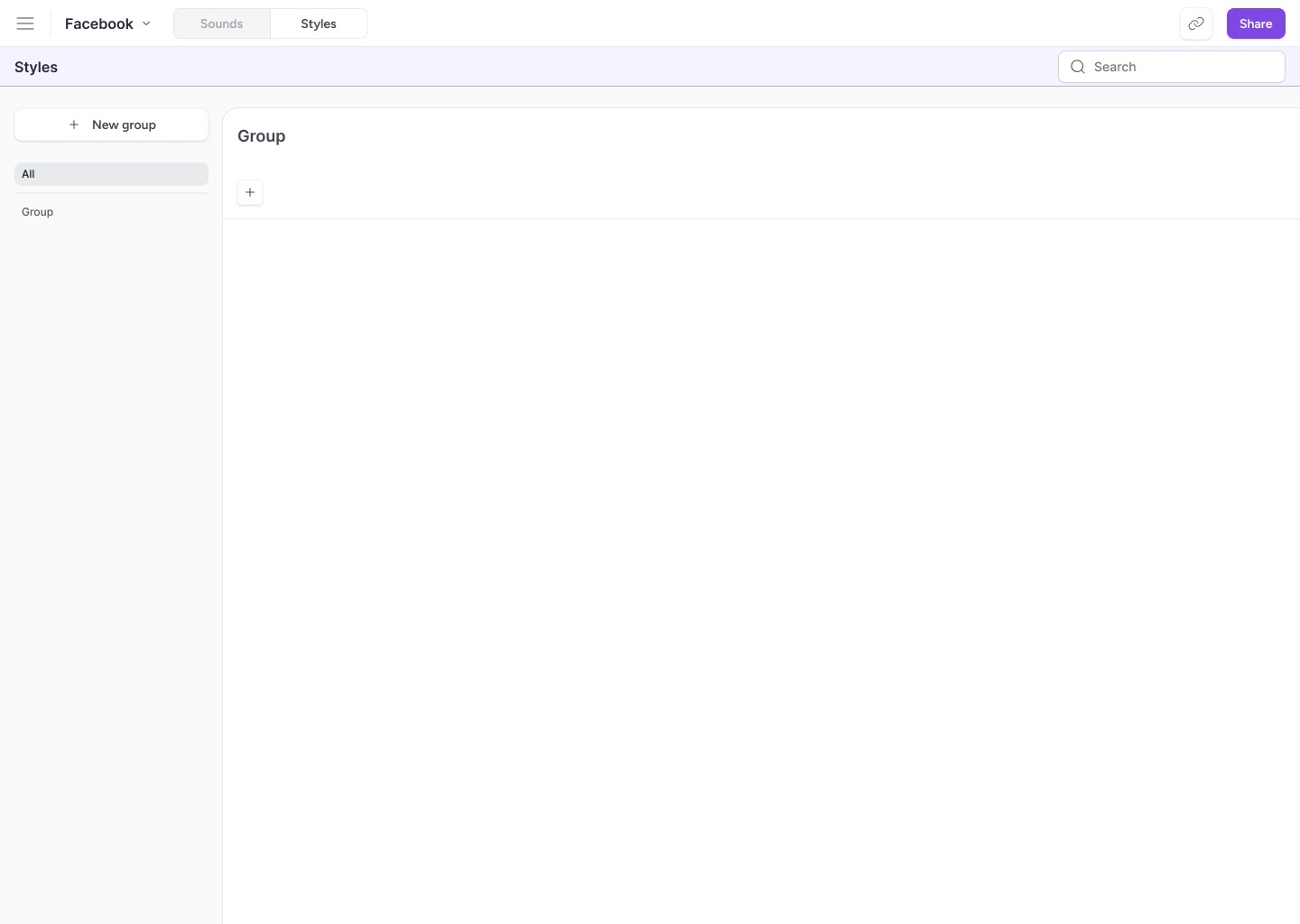
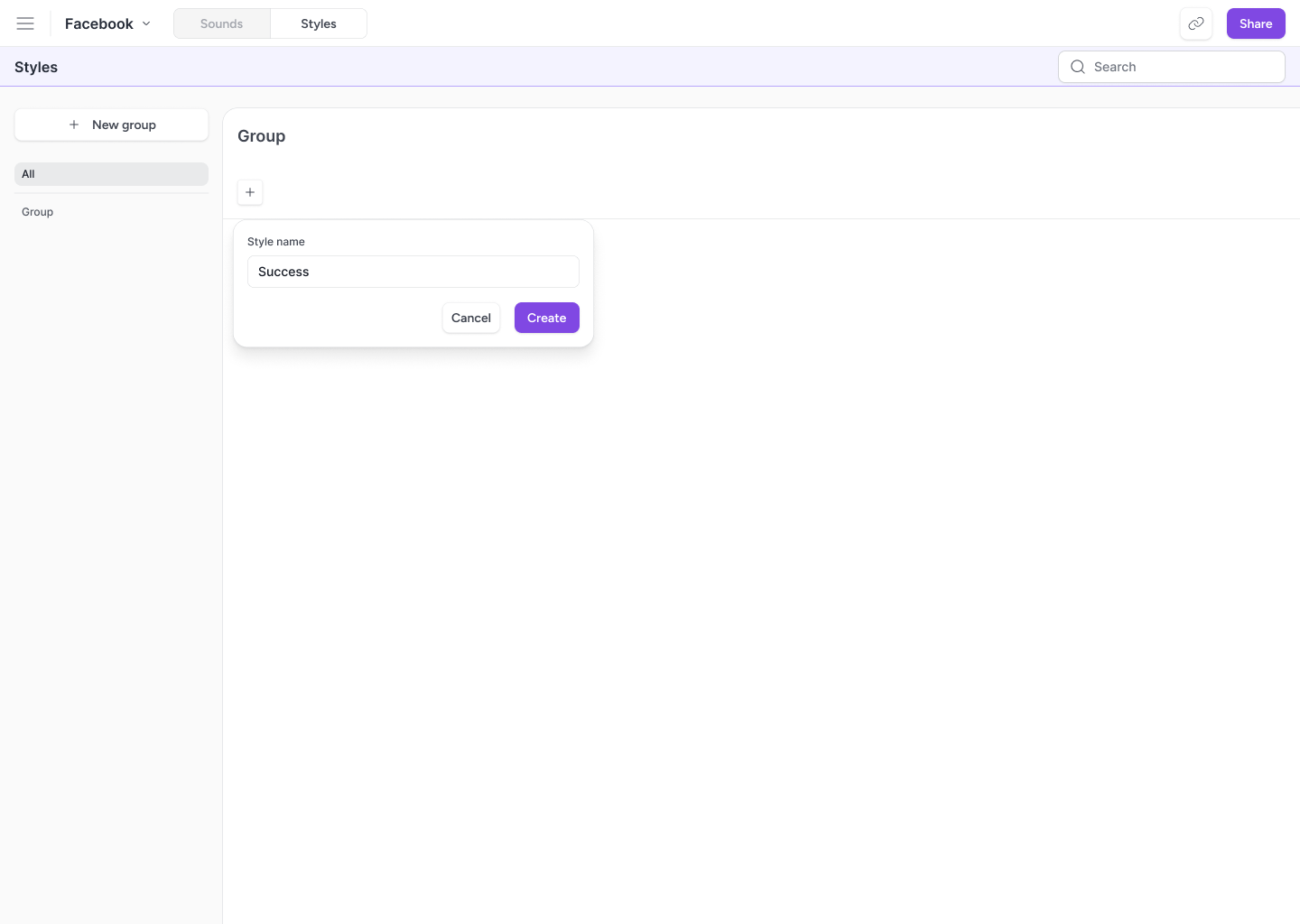
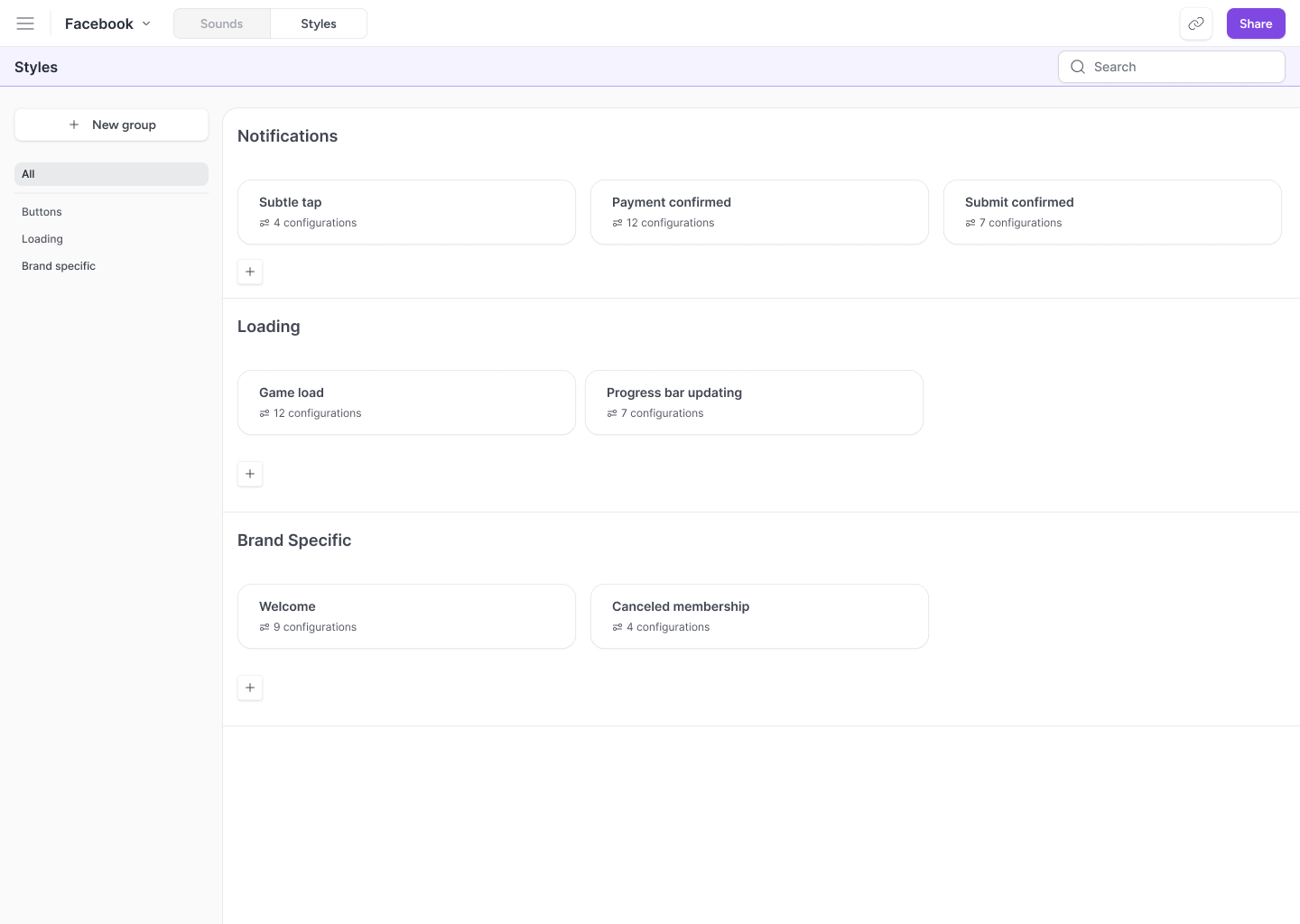
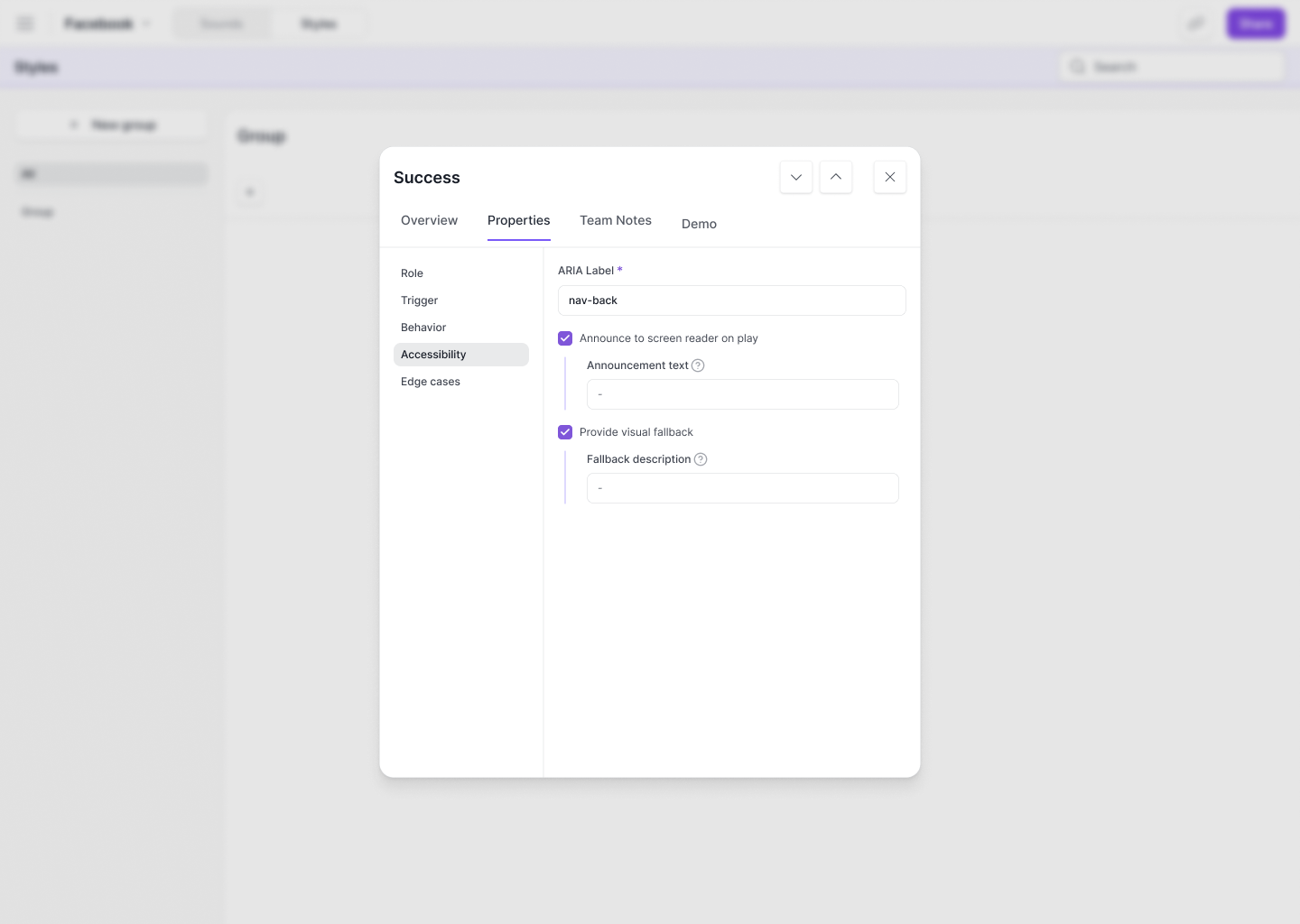
Sadly, we are not fashion novas. Styles are actually reusable behavioral blueprints. Instead of setting volume, overlap, looping, and interrupt behavior on every single sound for each product, designers define a style once (like "Subtle tap" or "Game load") and assign it across as many sounds as they want.
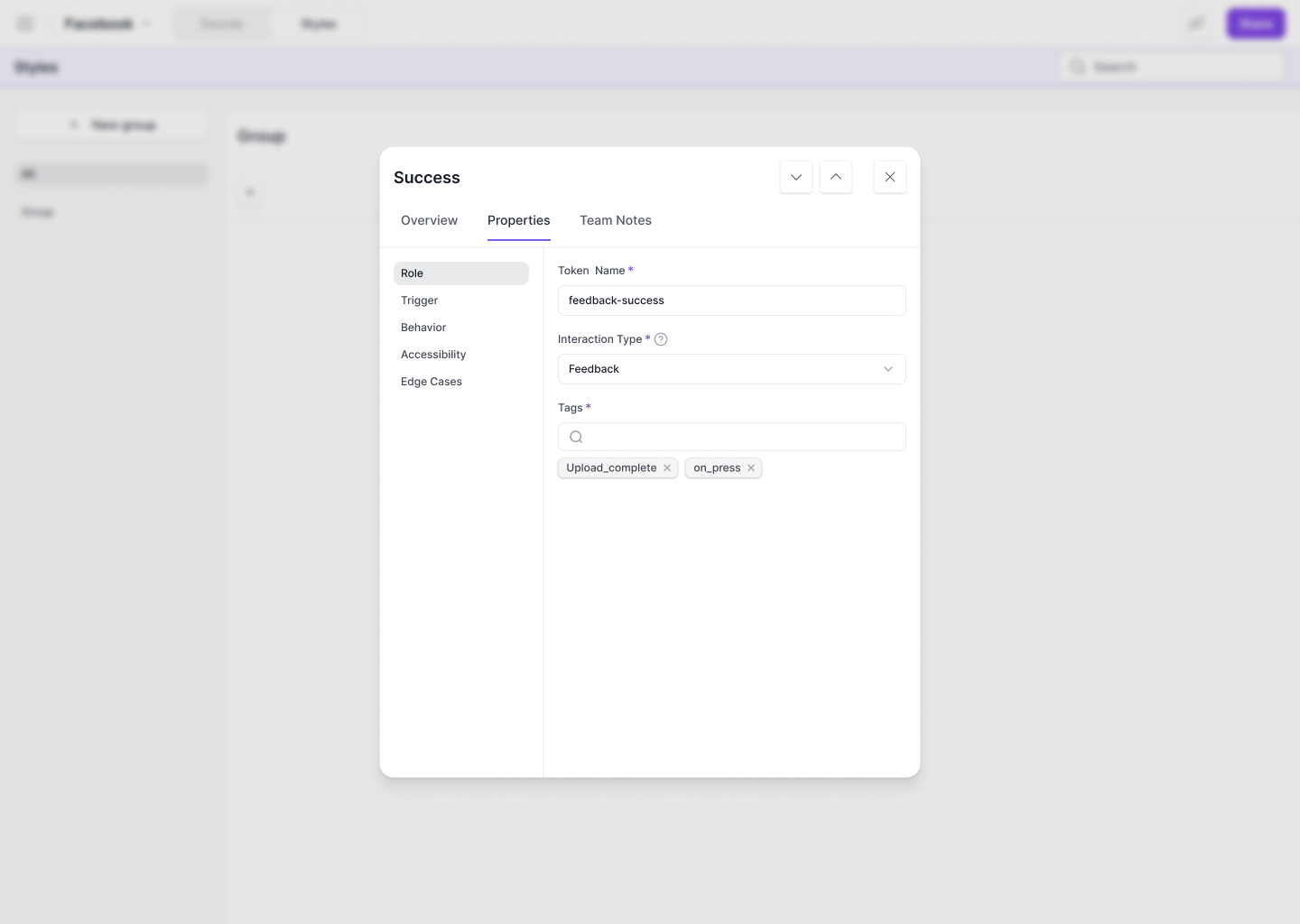
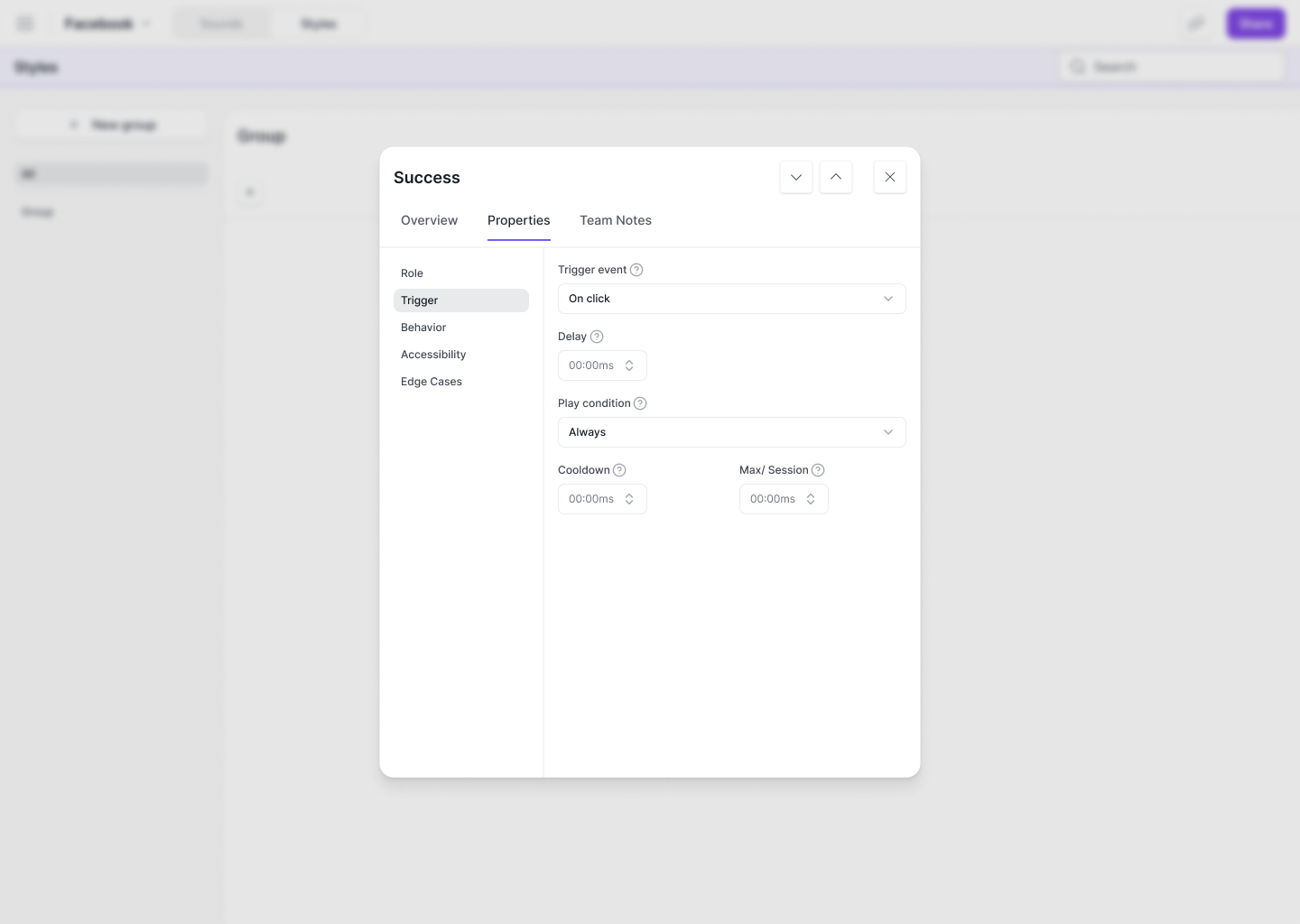
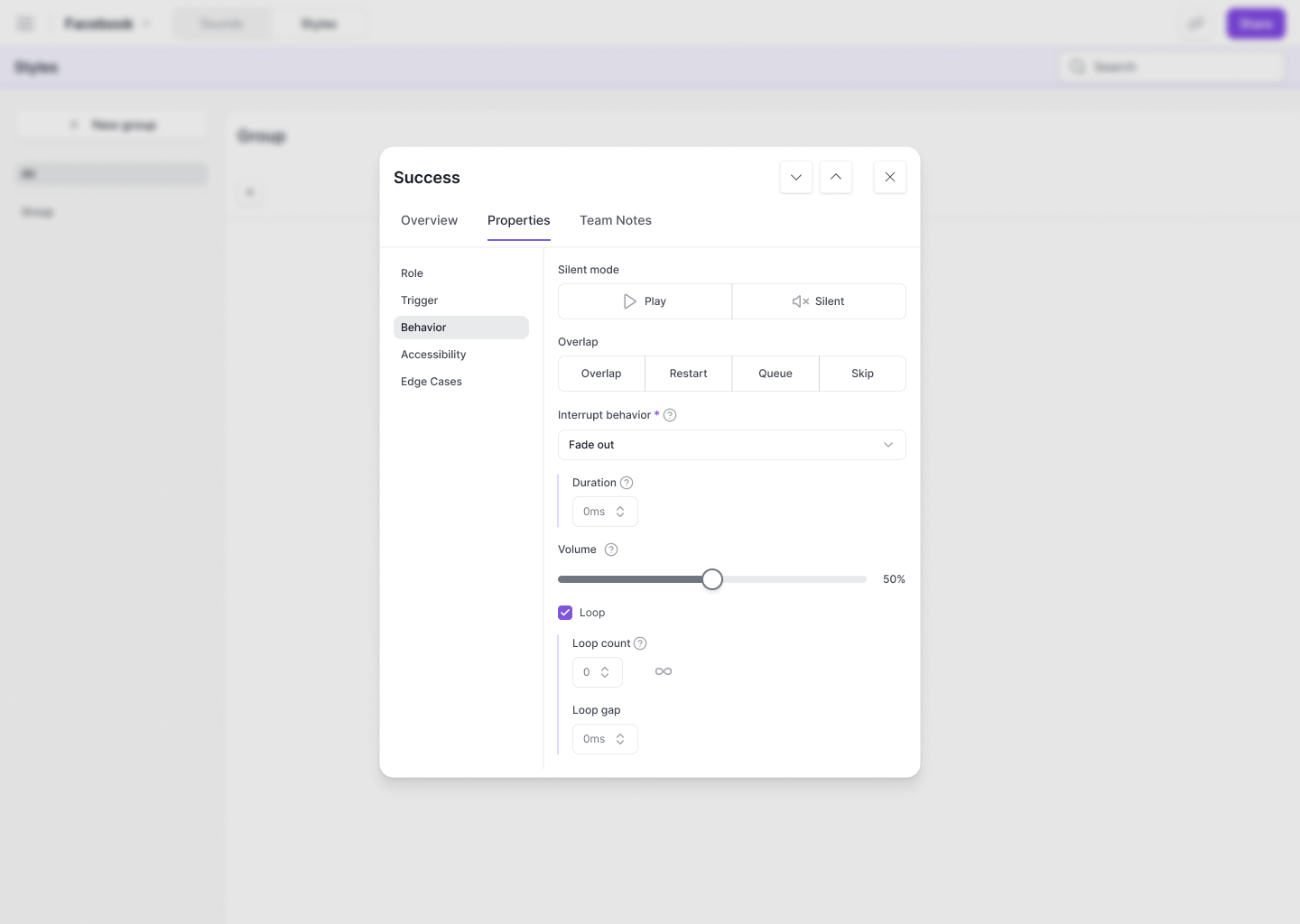
Each style lives under an interaction type group and shows how many tokens are currently configured with it. Selecting a style opens a detail panel where designers fine tune every behavioral property: silent mode toggles, overlap rules (Overlap, Restart, Queue, Skip), interrupt behavior, duration, volume, and loop settings.
This is what turns Sonic from a file library into a governance tool. When a team decides notification sounds should fade out on interrupt at 50% volume, that decision lives in one place. Change the style, and every token using it updates. No hunting through rows. No drift. One decision, applied everywhere.